Backup
Backups in nBlance involve creating and storing copies of the configuration settings and, potentially, other critical data associated with the nBalance system. Backups are essential for several reasons, including disaster recovery, system upgrades, and ensuring that a previous, known-good configuration can be restored in case of issues. Here's how backups are typically managed in nBalance:
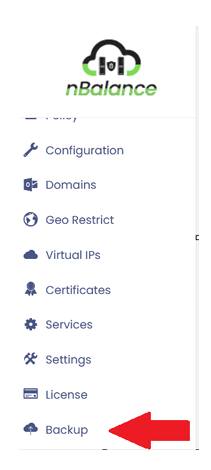
- Navigate to Backup page.
Click Backup from the left navigation menu, will navigate to the Backup page
How to Backup
-
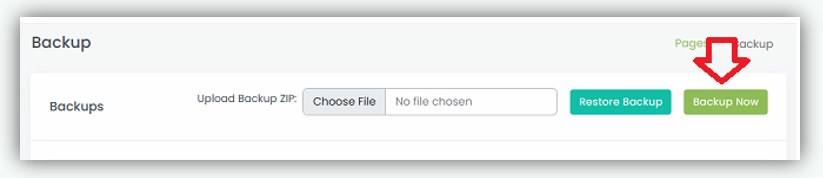
Click on "Backup Now" to generate the backup and download automatically.
-
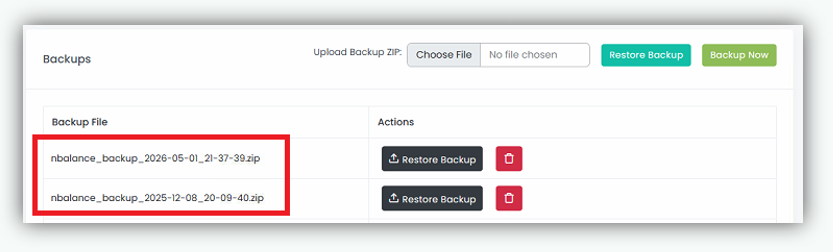
It will also display the backup file with the date and time as a cfg file
Restore Points
This section in the page displays all available backup files with their corresponding timestamps for easy identification.